Everything DITLog does
One place to track your media, plan your projects, and know exactly what's free before you head out the door.
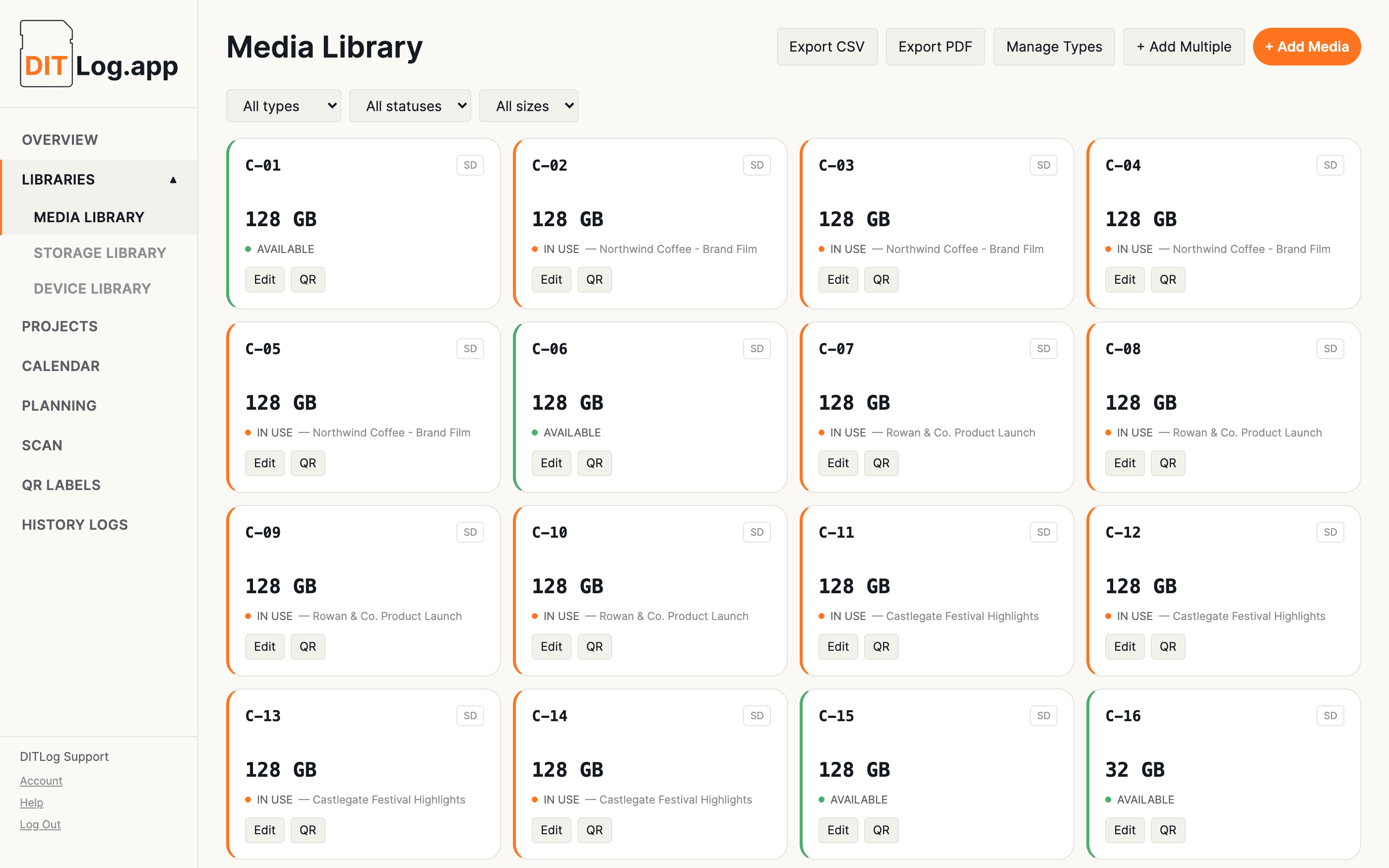
Track your kit
Every SD card, CFexpress card, and drive you own, logged once with capacity, status, and history. Add cards one at a time, or in a batch with sequential IDs when you've just bought a matching set.
Keep track of which archive and backup drives hold which projects, long after the cards themselves have been wiped and reused. Clear a drive's project link any time you need it back, even on an archived project.
A reusable list of the cameras, recorders, and rigs you shoot with, so you're not retyping "Camera A" into every new project.
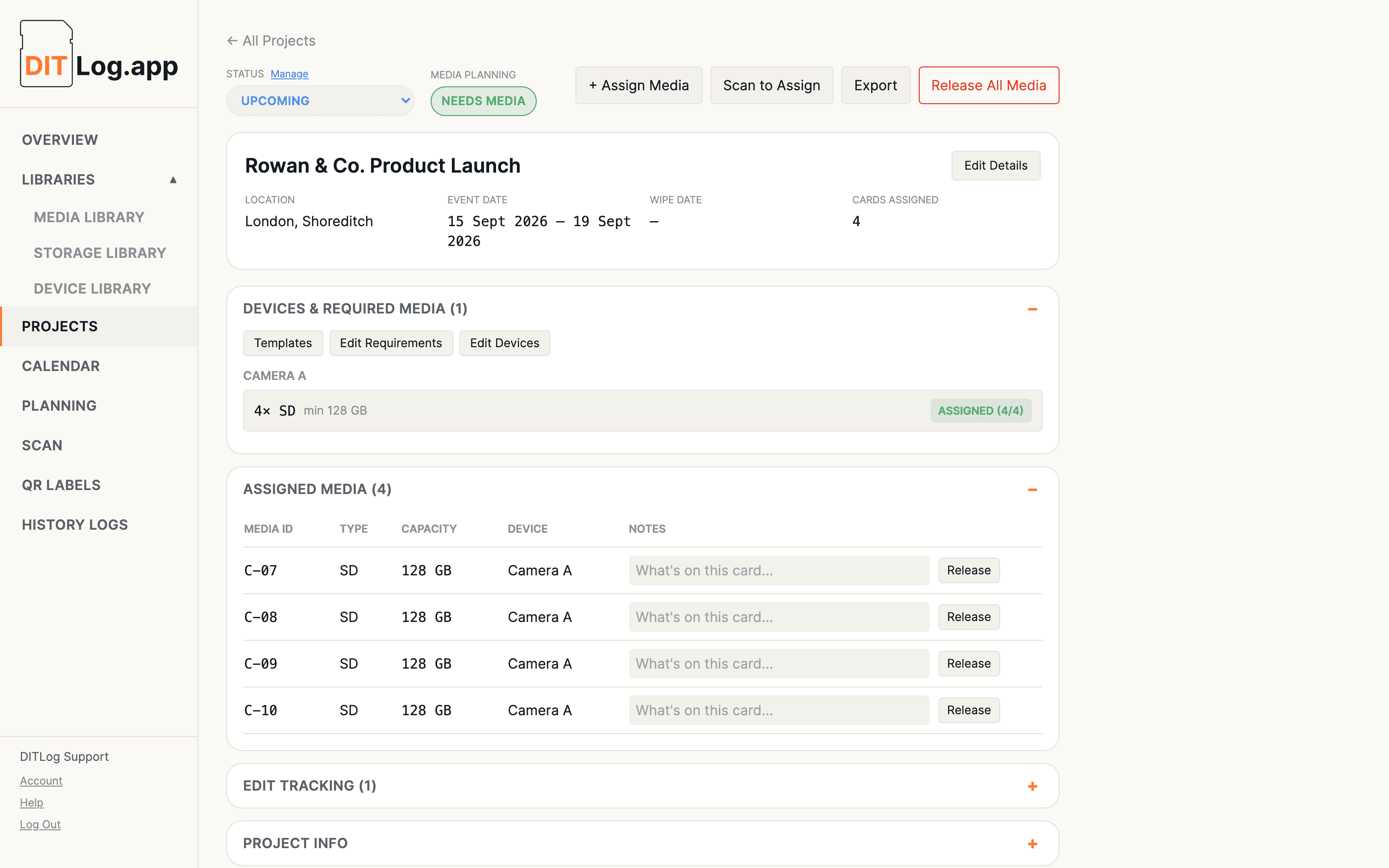
Plan and shoot
Devices, required media, crew, and client details all live on the project itself. Add a device and DITLog asks what it needs right there, no separate trip to a different screen.
Save a project's devices and required media as a reusable template, then apply it to the next similar job in one click, without rebuilding the same setup from scratch every time.
A real, honest availability check across every upcoming project at once, not each one in isolation. If two shoots want the same card type, the one happening sooner gets first claim, and Planning tells you which project is actually short.
Every project laid out by date, colour-coded by status, so you always know what's coming up and what's already wrapped.
Pro and Business accounts can invite team members to work in the same account, no separate subscription needed. They get full day-to-day access, adding media, assigning to projects and devices, releasing cards, with nothing to delete and no access to billing or your team list.
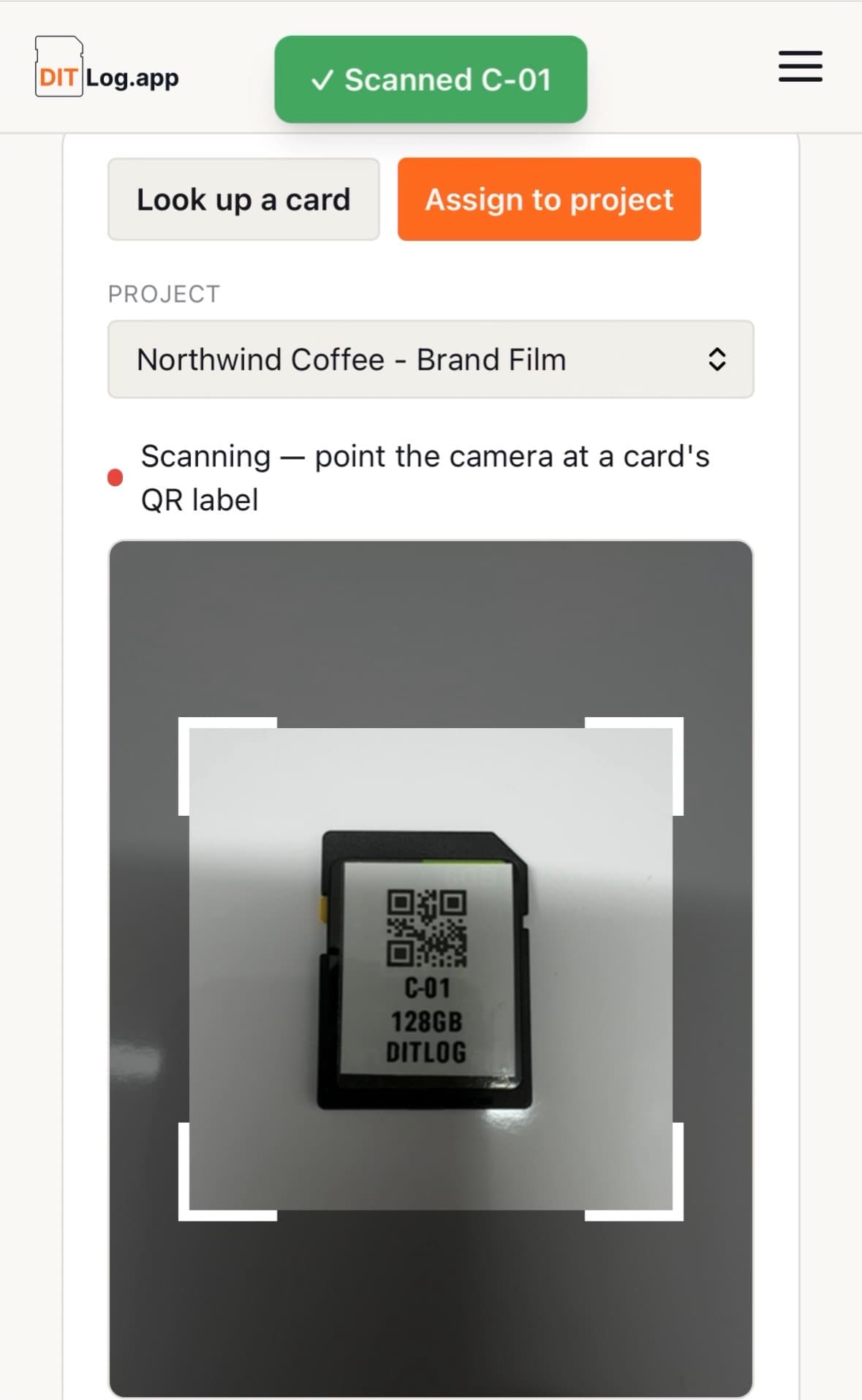
On set
Scan a card's QR label with your phone to check it in or out of a project in seconds, no typing IDs by hand, no laptop needed between setups.
Every card already has a scannable code built in. Download one to print yourself, or order proper printed labels for exactly the cards you use, custom-built from your own library.
Set a starting roll for each device, like A001 for Camera A, and every card assigned to it gets tagged automatically, then advances to the next one ready for the card after that. No more writing rolls on a whiteboard or losing track partway through a long day. The roll travels with the card into Assigned Media and the History Log, so it's still there weeks later when an editor asks which roll a shot came from.

After the shoot
What was on a card, permanently logged the moment it's released, even after the card's wiped and reused a dozen times since. Answer "what was on card 12 three weeks ago" without guessing.
Track every deliverable cut from a shoot, a long promo, a short promo, a social edit, each with its own status, current version, target completion date, and client requirements, so nothing gets mixed up between cuts.